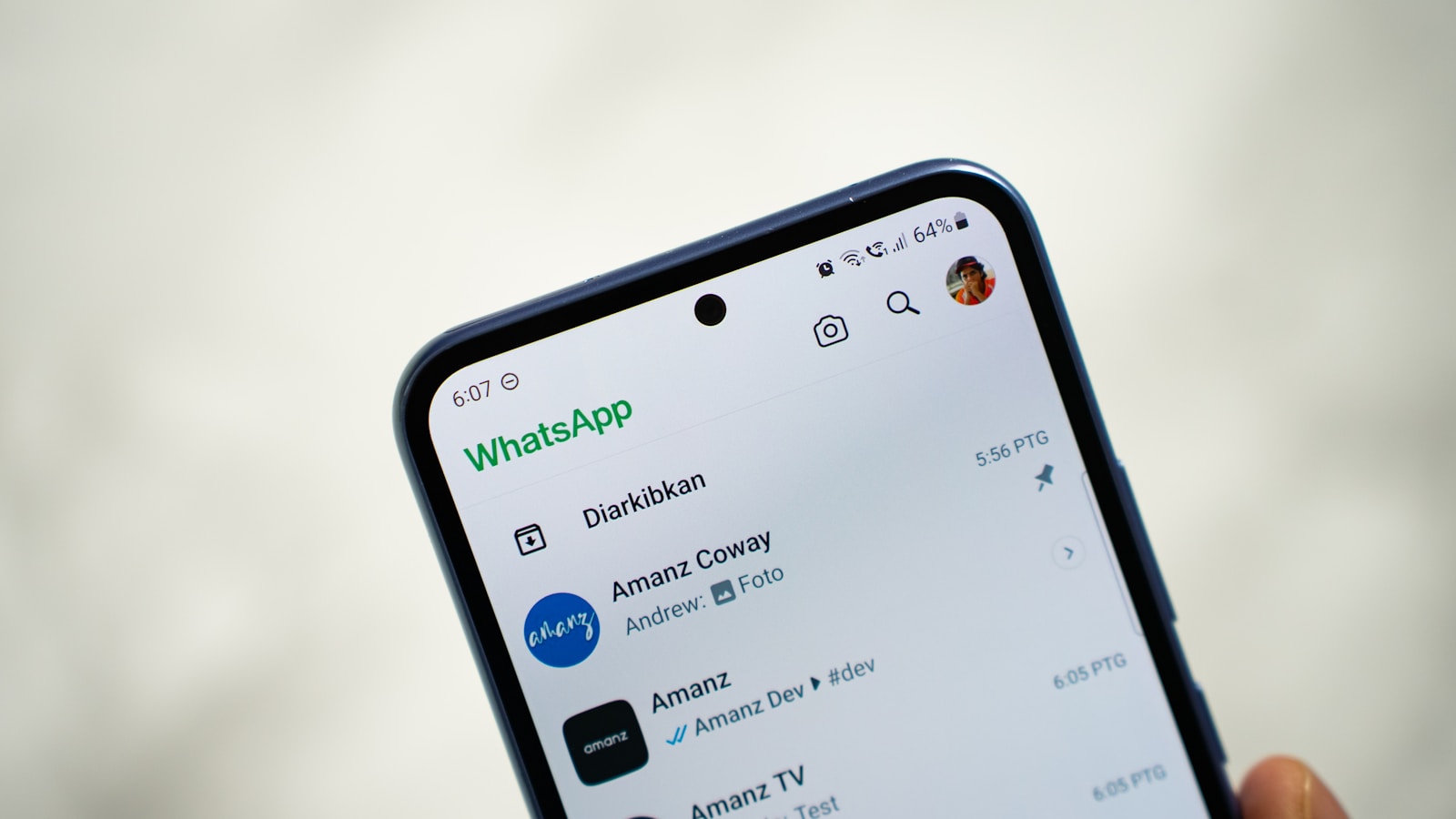
Privacy is a top priority for many WhatsApp users. Whether you share your phone with family, friends, or colleagues, there may be conversations you want to keep private. WhatsApp’s Chat Lock and Secret Code features give you complete control over who can see your chats. This guide explains everything in detail, step by step.
Why Hide WhatsApp Chats
- Protect sensitive or personal conversations from prying eyes
- Prevent accidental exposure when lending your phone
- Add an extra layer of security beyond your phone’s lock screen
What You’ll Learn
- How to enable Chat Lock on Android
- Where to find locked chats
- How to set up a Secret Code
- How to completely hide locked chats
- Benefits of using these features
Detailed Walkthrough
Step 1: Enable Chat Lock
- Open WhatsApp on your Android device.
- Find the chat you want to hide.
- Long press on the chat until it’s selected.
- Tap the three-dot menu in the top right corner.
- Select Lock Chat.
- Confirm with your fingerprint.
Result: The chat disappears from your main list and moves into the Locked Chats folder.
Step 2: Access Locked Chats
- Open WhatsApp.
- Scroll to the very top of your chat list.
- Tap Locked Chats.
- Verify with your fingerprint.
Result: You can now view all locked conversations.
Step 3: Create a Secret Code
- Open WhatsApp and go to Locked Chats.
- Tap Settings.
- Select Secret Code.
- Tap Create Secret Code.
- Enter a code that’s easy for you to remember but hard for others to guess.
- Confirm the code.
Result: Your Locked Chats folder can now be hidden completely.
Step 4: Use Secret Code to Access Chats
- Open WhatsApp.
- Go to the search bar at the top.
- Type your Secret Code.
Result: The Locked Chats folder will appear instantly, giving you access to hidden conversations.
Step 5: Hide Locked Chats
- Go to Locked Chats → Settings.
- Toggle Hide Locked Chats ON.
Result: The Locked Chats folder disappears from your chat list. Only your Secret Code can reveal it.
Benefits of Chat Lock + Secret Code
- Keeps personal chats private
- Protects important conversations from unauthorized access
- Maintains privacy when others use your phone
- Adds an extra layer of security
Conclusion
WhatsApp’s Chat Lock + Secret Code is a powerful privacy combo. It’s simple to set up, highly effective, and perfect for anyone who shares their phone. If you value your privacy, enabling these features is a must.