
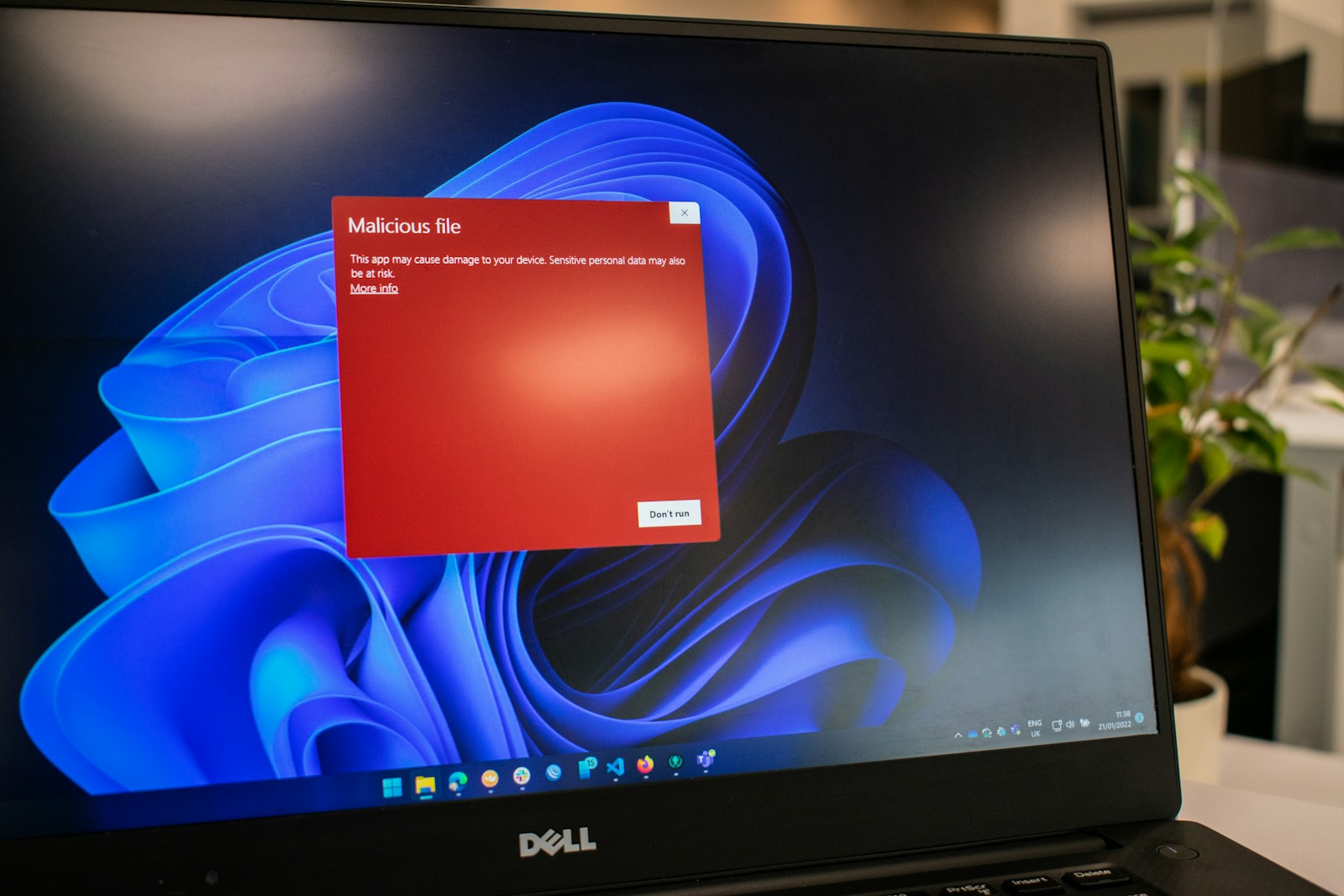
It is one of the most commonly asked questions in the torrenting community — and one that deserves a straight, honest answer rather than a blanket warning or a blanket reassurance. The question is not just about whether torrent files themselves carry viruses. It is about the entire ecosystem of torrenting — what you download, where you download it from, how you open it, and what risks exist at each stage of the process.
The short answer is: a torrent file itself is almost certainly not the threat. What you download using that torrent file very often can be.
This post breaks down exactly how viruses and malware enter the picture in torrenting, which file types carry the highest risk, how to identify dangerous downloads before opening them, and what tools and habits protect you effectively.
What Is a Torrent File Actually?
Before getting into the virus question, it helps to understand what a torrent file actually is — because most people conflate the torrent file with the downloaded content, and they are completely different things.
The Torrent File Is Just a Map
A torrent file — the small .torrent file you download from a torrent site — contains no actual content. It is a tiny metadata file, typically between 10KB and 200KB in size, that contains:
- The name and structure of the content being shared
- The file sizes and number of files in the package
- A list of trackers — servers that coordinate the peer-to-peer connection
- Cryptographic hash values for each file piece — used to verify data integrity during download
The torrent file itself does not carry the movie, software, game, or music you are trying to download. It is simply the instruction set that tells your torrent client where to find the actual content and how to verify it once downloaded.
The Magnet Link Alternative
Magnet links work similarly — they encode the same metadata information directly in the link rather than a separate file. When you click a magnet link, your torrent client reads the embedded metadata and begins locating peers without downloading a separate .torrent file at all.
The Actual Risk Point
The risk is not in the torrent file or the magnet link. The risk is in the content files that your torrent client downloads using that metadata — the executable files, the installers, the compressed archives, and in some cases the media files themselves.
Can a .torrent File Itself Contain a Virus?
The direct answer is — almost never, but not technically impossible.
Why .torrent Files Are Almost Always Safe
A .torrent file is a structured data file following the BitTorrent metainfo format. It contains plain text encoded data — tracker URLs, file names, sizes, and hash values. It has no executable capability. You cannot run a .torrent file. Opening it simply tells your torrent client to read its metadata and begin the download process.
For a .torrent file to contain functional malware, an attacker would need to exploit a specific vulnerability in your torrent client’s parser — the code that reads and interprets the .torrent file format. Such vulnerabilities exist in theory and have occasionally been discovered in specific torrent client versions, but they are rare, typically patched quickly, and require the attacker to target a specific client version rather than any torrent user generally.
The Practical Risk Is Negligible
Keeping your torrent client updated to its latest version essentially eliminates the theoretical risk of a malicious .torrent file exploiting a parser vulnerability. No widespread malware campaign in the documented history of torrenting has used malicious .torrent files as its primary attack vector. The risk is real in the technical sense but negligible in the practical sense for any user running a reasonably current client.
Where the Real Virus Risk in Torrenting Comes From
The genuine malware risk in torrenting comes from the downloaded content itself — specifically from certain file types that can execute code or exploit vulnerabilities when opened.
1. Fake Executable Files Disguised as Media
This is the most common malware delivery method in torrenting and the one most users encounter without realising it.
How It Works
A malicious uploader creates a torrent that appears to be a popular movie, TV show, album, or game. The torrent name matches exactly what users are searching for. The file sizes look plausible. The description is convincing. But instead of — or hidden alongside — the actual content, the package contains an executable file (.exe on Windows, .dmg on macOS) disguised as the media file.
Common disguises include:
- A file named MovieTitle.mp4.exe — appears to be a video file but the real extension is .exe
- A folder containing a video file alongside a readme.txt file instructing you to run a separate .exe to “decrypt” or “activate” the content
- An ISO disc image containing an autorun file that executes malware when the image is mounted
- A codec installer — a fake message claiming you need to install a special codec to play the video, with the codec being malware
Why Windows Users Are Most Vulnerable
Windows hides known file extensions by default. A file named Movie.mp4.exe appears simply as Movie.mp4 in Windows Explorer unless the user has enabled the option to show file extensions. This default behaviour makes it easy for malicious files to impersonate media files convincingly.
Enabling Show file name extensions in Windows Explorer settings is one of the simplest and most effective protections against this attack vector.
2. Infected Software Cracks and Keygens
Software torrents — cracked applications, game cracks, serial key generators — are the highest-risk category in all of torrenting. This is not a mild caution. It is a category where malware delivery is genuinely common.
Why Cracks Are a Primary Malware Vector
Legitimate antivirus vendors flag virtually every crack and keygen automatically — because the code modification techniques used to bypass software licensing are structurally similar to techniques used by malware. This creates a problem: legitimate cracks trigger antivirus warnings, and users have been conditioned to ignore those warnings when downloading cracked software. Malicious actors exploit this conditioning directly.
A malicious crack works by presenting itself as a legitimate software crack — it may even successfully crack the software it claims to crack — while simultaneously installing a payload in the background. Common payloads include:
- Cryptocurrency miners — silently using your CPU and GPU to mine cryptocurrency for the attacker while degrading your system performance
- Keyloggers — recording every keystroke including passwords, banking credentials, and personal information
- Remote access trojans (RATs) — giving the attacker persistent remote control of your system
- Ransomware — encrypting your files and demanding payment for the decryption key
- Adware and browser hijackers — redirecting your browser, injecting ads, and harvesting browsing data
The Antivirus Exemption Problem
Many crack instructions explicitly tell users to disable antivirus software or add the crack folder to antivirus exclusions before running the crack — framed as necessary to prevent the antivirus from deleting the crack file. This instruction may be legitimate in the case of actual software cracks, but it is also the exact instruction a malicious crack would give to prevent detection. There is no reliable way to distinguish between the two at the point of download.
3. Malicious Scripts Inside Document Files
Microsoft Office documents — .doc, .docx, .xls, .xlsx, .ppt — can contain embedded macros, which are small programs that run automatically when the document is opened. Macro-based malware has been a documented attack vector for decades and remains effective because many users enable macros without understanding what they are enabling.
A torrent containing what appears to be a textbook, template, business document, or study material but actually contains a macro-enabled Office file with malicious code is a realistic threat — particularly in educational torrenting communities.
How to Protect Against Document Macros
- Open Office documents with macros disabled — Microsoft Office warns you when a document contains macros and gives you the option to keep them disabled
- Never enable macros in a document you downloaded from a torrent unless you have a specific verified reason to trust it
- Use LibreOffice or Google Docs to preview documents from untrusted sources — these handle macros differently and reduce the attack surface
4. Malware Hidden in Subtitle Files
This is a less commonly discussed but real attack vector that received significant security research attention after a 2017 vulnerability disclosure. Subtitle files — .srt, .ass, .sub — are plain text files that should carry no executable risk. However, certain media players had vulnerabilities in their subtitle parsing code that could be exploited by maliciously crafted subtitle files.
VLC, Kodi, Popcorn Time, and other media players were affected at various points. The vulnerabilities required specific player versions and specific subtitle file crafting — meaning the practical risk was limited, but the principle is worth understanding. Keeping your media player updated eliminates this vector.
5. Infected Archive Files
Compressed archives — .zip, .rar, .7z — are containers. They carry whatever files are packed inside them. A malicious archive is simply an archive containing malicious files. The archive format itself is not dangerous — the contents are.
The risk emerges when users extract archives without first inspecting their contents, extract directly to system directories rather than a sandboxed folder, or are tricked by nested archive structures that obscure what is actually being extracted.
Safe Archive Handling
- Always extract archives to a dedicated folder, not directly to the desktop or program files
- Use 7-Zip or WinRAR to inspect archive contents before extracting — both allow you to view the file list without extracting
- Look for unexpected .exe, .bat, .com, .vbs, or .ps1 files inside archives that were supposed to contain only media or documents
How to Identify Dangerous Torrents Before Downloading
Prevention is significantly more effective than detection after the fact. These habits dramatically reduce the risk of downloading malicious content.
Use Reputable Private Trackers
Private torrent trackers — where uploads go through a moderation process and uploaders are accountable members of the community — have significantly lower rates of malware than public trackers. On a well-moderated private tracker, malicious uploads are typically identified and removed quickly by the community. On a public tracker, anyone can upload anything with no accountability.
Check the Uploader’s History
On both public and private trackers, look at the uploader’s history before downloading:
- How many uploads do they have
- How long have they been a member
- What is their reputation in the community
- Are their previous uploads reported as clean by other users
A new account with a single upload of a highly sought-after file is a common pattern for malicious uploads. An established uploader with hundreds of clean releases is a significantly safer source.
Read the Comments Before Downloading
Comment sections on torrent listings are one of the most valuable safety tools available. Other users who have downloaded and opened the same torrent will report malware detections, suspicious behaviour, missing content, or incorrect files. Reading comments before downloading takes 30 seconds and catches a significant proportion of malicious uploads.
Check the File List Before Downloading
Most torrent clients show you the complete file list of a torrent before you commit to downloading all content. Check this list carefully:
- Does it contain .exe files when you expected only media files
- Are file sizes plausible for the content type
- Are there unexpected folders or files alongside the main content
- Does anything in the file list look out of place
An executable file inside a movie or music torrent is almost never legitimate. A crack folder inside a software torrent should be inspected carefully before running.
Scan with VirusTotal Before Opening
VirusTotal — virustotal.com — is a free online service that scans files against over 70 antivirus engines simultaneously and reports results from each one. For any executable file, crack, installer, or suspicious file downloaded via torrent, uploading it to VirusTotal before opening it is the single most effective quick check available.
Keep in mind that:
- Legitimate cracks often trigger multiple antivirus detections — this does not automatically mean the file is malicious
- A file that passes all 70+ engines is very likely clean — but not guaranteed
- New malware may not be detected by any engine initially — known as a zero-day detection gap
Use Your Antivirus Client’s Real-Time Protection
Keep your antivirus enabled and up to date at all times during torrenting. Most modern antivirus software will scan files as they are downloaded and flag suspicious content before you open it. Windows Defender, included free with Windows 10 and 11, provides adequate baseline protection for most users and does not require a paid subscription.
Which File Types Are Safest and Which Are Riskiest
Lowest Risk File Types in Torrents
- .mkv, .mp4, .avi — video container formats with no executable capability when played in a standard updated media player
- .mp3, .flac, .wav — audio formats with no executable capability
- .jpg, .png, .webp — image formats with no executable capability under normal circumstances
- .srt — subtitle files when your media player is fully updated
Medium Risk File Types
- .zip, .rar, .7z — depends entirely on what is inside the archive
- .pdf — PDFs can contain JavaScript and embedded links that execute code in vulnerable readers. Use an updated PDF reader and disable JavaScript in PDF settings
- .doc, .docx, .xls — Office documents with potential macro content
Highest Risk File Types
- .exe, .msi — Windows executable and installer files
- .bat, .cmd, .vbs, .ps1 — Windows script files that execute commands
- .dmg, .pkg — macOS installer formats
- .apk — Android application packages
- .iso — disc images that may contain autorun executables
Safe Torrenting Practices — Quick Reference
- Download from reputable private trackers with active moderation where possible
- Always read comments on a torrent before downloading
- Check the file list for unexpected executable files before downloading
- Enable file extensions display in Windows Explorer
- Scan executable files with VirusTotal before opening
- Never disable antivirus software to run a crack
- Never run executables that appear alongside media content
- Extract archives to a dedicated sandboxed folder before inspecting
- Keep your torrent client, media player, and operating system updated
- Use a standard user account rather than an administrator account for day-to-day computing — limits the damage malware can do if it executes
Does Your IP Address Get Exposed When Torrenting?
This is a related safety question worth addressing briefly. Every peer in a torrent swarm can see the IP addresses of every other peer — this is a fundamental feature of the BitTorrent protocol, not a bug. Your ISP can also see that you are using BitTorrent and monitor the volume of data transferred.
Using a VPN — Virtual Private Network — while torrenting masks your real IP address from other peers in the swarm and prevents your ISP from identifying your torrent traffic. Not all VPNs permit torrenting on their servers, so check the provider’s terms before using. Mullvad, ProtonVPN, and Private Internet Access are among the VPN providers with explicit torrenting support and no-logs policies.
Final Thoughts
The torrent file itself is not the threat. The threat is in the content downloaded using that torrent — specifically executable files, infected cracks, malicious scripts, and macro-laden documents that bad actors upload to exploit the trust of a downloading community.
The risk is real but entirely manageable with the right habits. Private trackers, community reputation systems, pre-download file inspection, VirusTotal scanning, and active antivirus protection together reduce the practical malware risk of torrenting to a level comparable to downloading software from the open web.
The users who get infected through torrenting are almost always users who ran an executable they should not have run, disabled their antivirus because a crack told them to, or skipped the comment section and file list inspection that would have flagged the problem before it happened.